Download the test design
Save the 3.5-inch round SVG below. It uses bold shapes and simple lettering so you can evaluate thread, fabric, and stabilizer without fine Jeep details.

Free PES test workflow
Download a simple round coaster SVG, turn it into a Brother-compatible PES file in Ink/Stitch, and run a safe first stitch-out before using customer artwork.
Download the 3.5-inch test SVG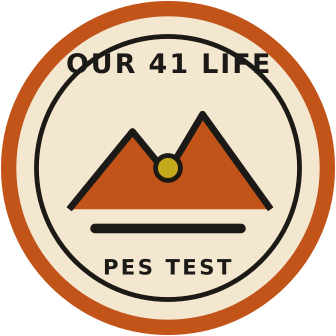
Save the 3.5-inch round SVG below. It uses bold shapes and simple lettering so you can evaluate thread, fabric, and stabilizer without fine Jeep details.
Open the SVG in Inkscape with Ink/Stitch installed. Confirm the document remains 3.5 inches wide by 3.5 inches high before assigning stitch types.
Use satin stitches for the outer ring and lettering, and fill stitches for the center badge. Run Ink/Stitch Troubleshoot, then export as Brother PES.
Hoop the same coaster material and stabilizer you plan to sell. Stitch the test once, inspect it, then adjust density, underlay, or lettering before moving to Jeep artwork.